


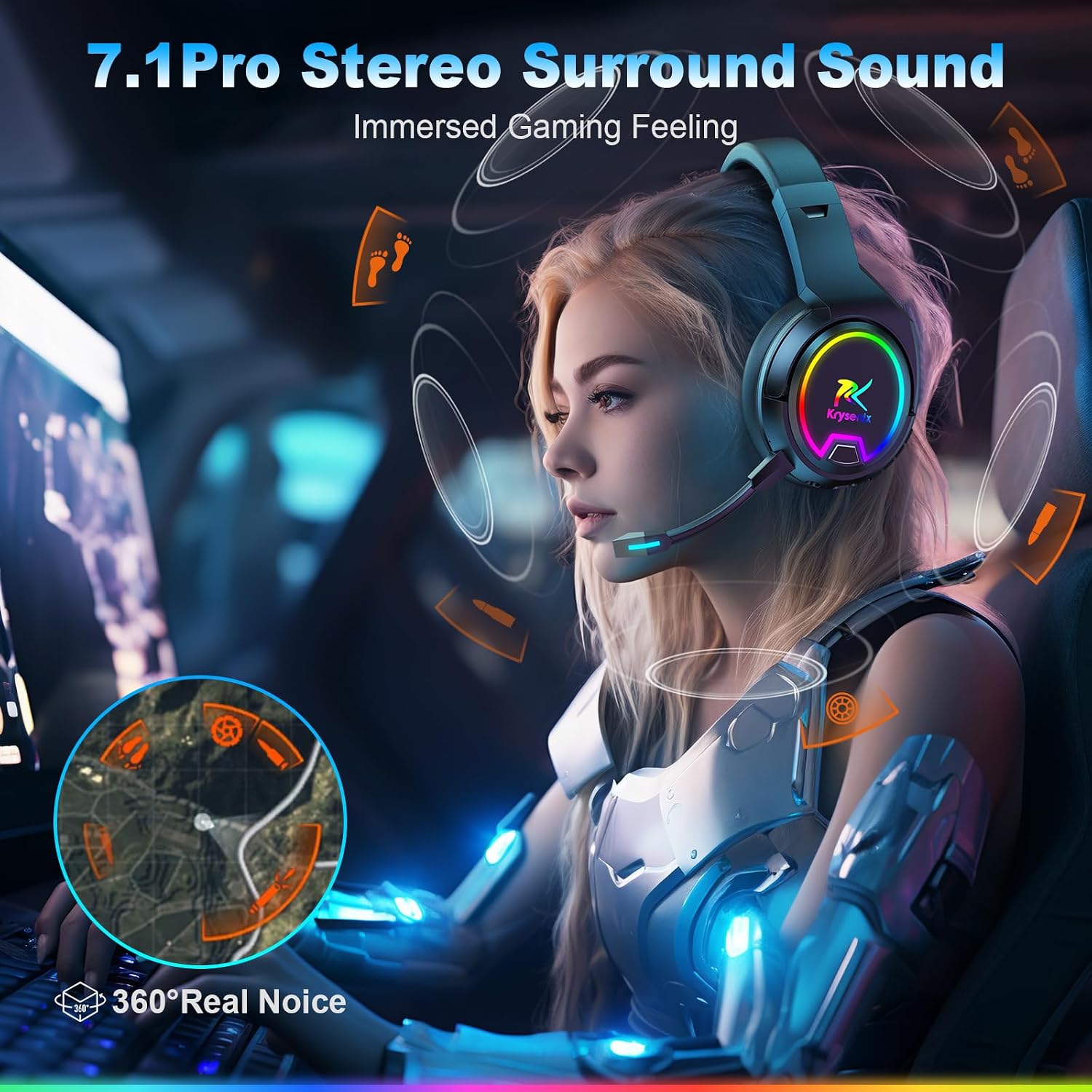



From the brand

Product Description


-
How to make the mic get to work?
Make sure the detachable microphone is properly connected to the headset. The plug should be inserted into the appropriate jack to ensure a firm connection and avoid loosening or disconnection.(Microphone not working when used on Nintendo Switch)
-
How to connect PS4 PS5?
Insert the Dongle into the device, on PS4/PS5, do the following: Settings->Devices->Audio Devices->Set "PG4" as the default device for "Input Devices" and "Output Devices"->Adjust "Volume Control (Headphones)" as needed.
-
Are wireless headphones compatible with XBOX?
Neither of the wireless headset's connection modes are compatible with any model of Xbox. Compatible devices are: PC/MAC/PS4/PS5/Nintendo Switch(Invalid Microphone) /Mobile Phones/iPad/Tablets/Other Smart Devices.
-
What to do about noisy Bluetooth Headphones?
Ensure that the wireless headset is fully charged; reduce the distance between the wireless headset and the audio source device to minimize obstacles; stay away from interference from other wireless signals; test the headset on different devices.
-
How to adjust the volume level?How to switch the microphone on and off?
Short press the volume +- key, when it is increased to the maximum, there will be a "drip" sound. Short press the 7.1 key three times to turn off and on the microphone.


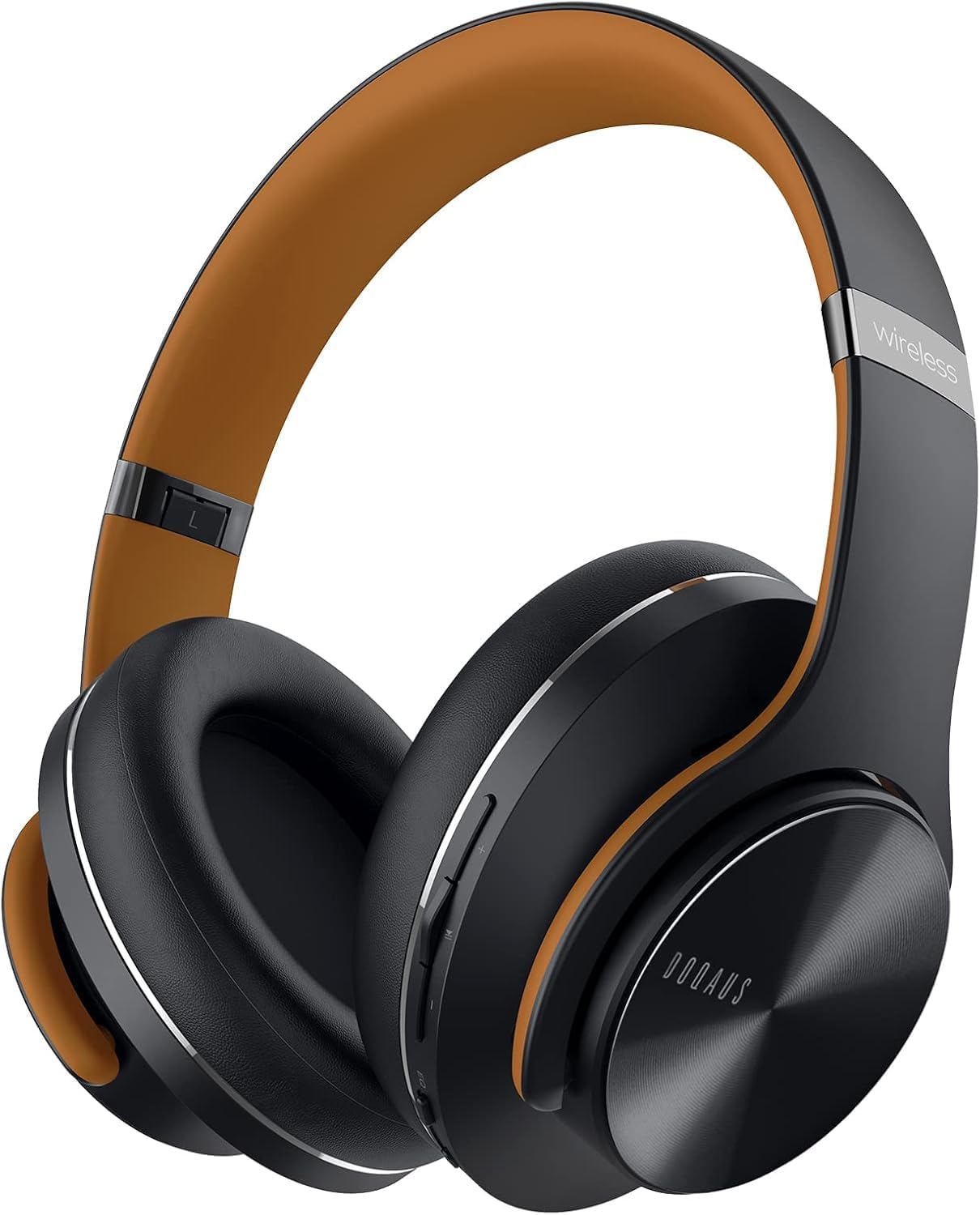





Reviews
There are no reviews yet.